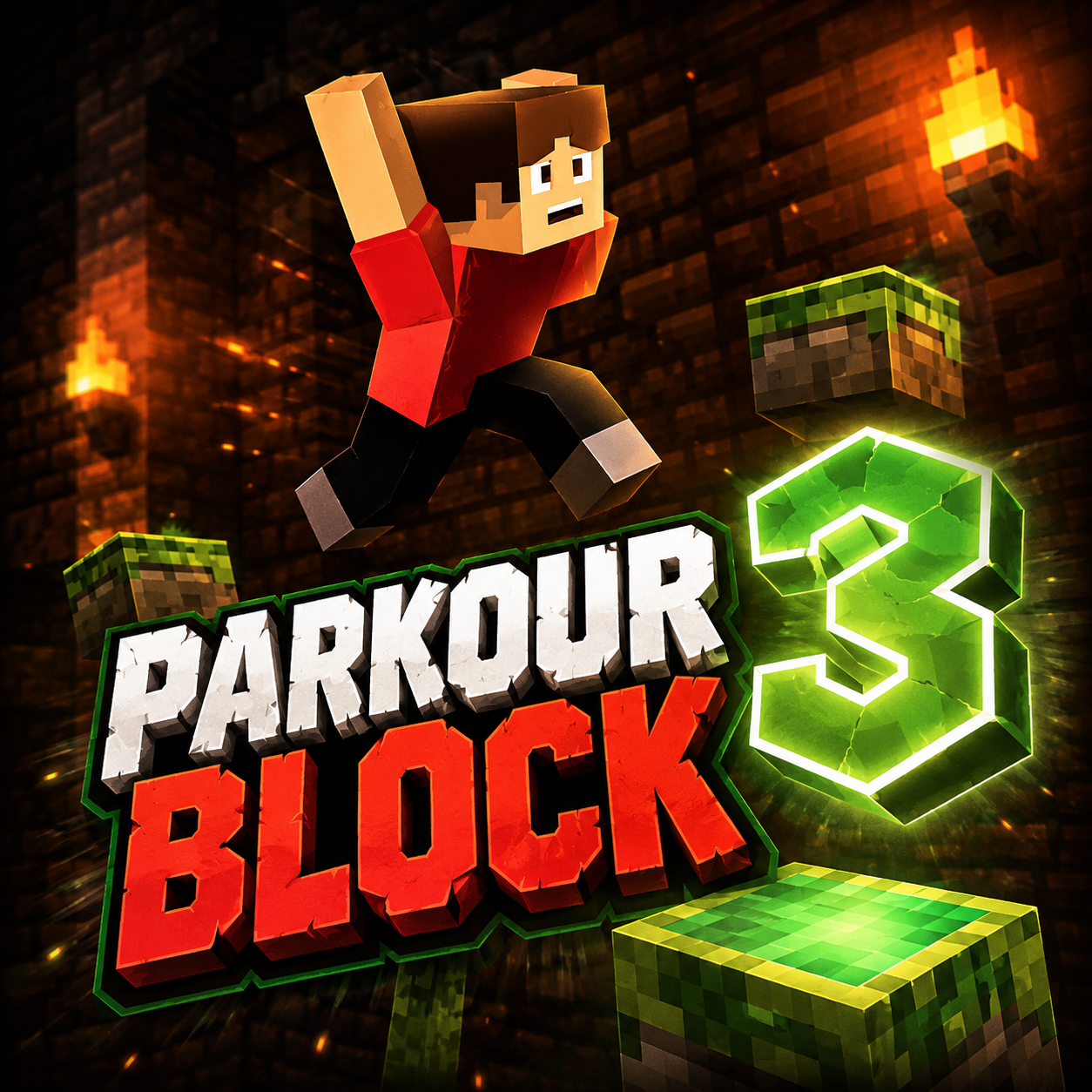
Parkour Block 3
Parkour Block 3 Mods Game






How To Play Parkour Block 3
The core gameplay cycle of Parkour Block 3 centers on navigating your character through a series of suspended platforms while evading the molten lava situated beneath them. Every stage commences from an initial starting platform, with the primary objective being to arrive at the purple portal, which signifies the conclusion of that particular level. Character movement is regulated by a simple yet intuitive control scheme that highlights
Parkour Block 3 Wiki
Summary
Parkour Block 3 represents the third entry in the widely acclaimed first-person platforming series created by Poly Games. Tailored for individuals who excel in accuracy, precise timing, and environmental awareness, this title delivers a challenging yet gratifying parkour adventure through 43 meticulously designed stages. The fundamental goal is straightforward: traverse each course from beginning to end and discover the concealed purple portal that moves you forward to the subsequent level. Nevertheless, the journey to that portal is filled with hazards. Every stage hovers above a chasm of scorching lava, and one wrong step sends you back to the starting point of the course. The game’s cubic, minimalist visual style masks the intricacy of its level architecture, which gradually introduces fresh obstacles and mechanics that challenge not only your reaction speed but also your capacity to chart strategies under stress. Later levels integrate various block categories—icy surfaces, green propulsion pads, and deadly lava blocks—to create complex movement puzzles. Secret portals and alternate pathways reward thorough investigation, introducing an element of discovery to the primary challenge. Featuring straightforward, instinctive controls that function effectively on both desktop computers and handheld devices, Parkour Block 3 provides an approachable yet profound action-puzzle experience that attracts casual gamers and dedicated parkour enthusiasts alike.
Regarding directional control and timing accuracy.
On a desktop setup, you navigate your character using the WASD keys for motion, the Spacebar for leaping, and the Left Shift key to dash. The mouse enables you to look around and alter your heading, granting complete command over your viewpoint as you maneuver through tight bends and slender edges. Pressing Escape twice brings up the in-game menu. The first-person view is essential: you must continuously examine your environment to detect platforms, evaluate distances, and locate hidden portals that might be concealed in corners or behind barriers.
Mobile users depend on on-screen tactile controls to move, leap, and adjust the camera perspective. The touch interface is crafted to emulate the desktop experience as faithfully as possible, featuring virtual joysticks for navigation and a dedicated bounce button. Regardless of the platform, achievement hinges on careful scrutiny and purposeful action. Hurrying through a stage without scanning ahead often results in a deadly plunge.
The terrain itself serves as the main adversary. Platforms are positioned at different elevations and distances, requiring you to dash and bound across gaps that might be misleadingly broad. Some platforms are tiny, demanding exact landing precision. Others are angled or unsteady, introducing an extra layer of complexity. Since any fall returns you to the beginning of the stage, each leap carries substantial significance. The game prompts you to pause, evaluate the arrangement, and devise a secure path before making any move. Advanced stages introduce combinations of specialized blocks that fundamentally change movement dynamics, making pathway planning even more vital.
Key Features
Parkour Block 3 sets itself apart through a blend of stage quantity, mechanical diversity, and responsive control design. The following elements are central to its allure:
43 Challenging Stages
The game provides a substantial campaign with steadily increasing difficulty. Initial stages act as tutorials, instructing you in basic movement and platform identification. By the intermediate phases, you will face multi-layered courses that necessitate dashing over ice, rebounding off green blocks, and navigating narrow channels of lava blocks. The final stages are trials that demand flawless execution and memorization of intricate sequences.
First-Person Parkour Gameplay
In contrast to many platformers that utilize a third-person or side-scrolling perspective, Parkour Block 3 immerses you directly in the action. The first-person viewpoint makes distance assessment and depth perception critical skills. This perspective also intensifies the feeling of danger—when you glance downward and observe the glowing lava beneath, the stakes feel urgent and personal.
Special Blocks That Alter Movement
A defining characteristic is the assortment of block types that modify your interaction with the environment:
- Ice blocks generate slick surfaces with significantly diminished friction. Turning and halting become challenging, and you must adapt your motion to prevent sliding off edges.
- Green blocks function as boost pads, granting your character a higher leap when landed upon. These allow you to access distant or elevated platforms that would otherwise be unreachable.
- Lava blocks are instant-death hazards. Contacting them ends your attempt immediately, necessitating a restart.
- Purple portals are the stage-exit goals, but some are concealed or require sequence manipulation to reach.
Hidden Portals and Alternative Pathways
Exploration is compensated. Many stages contain secondary portals that provide shortcuts to later sections or bypass difficult sequences. Discovering these secret exits often involves looking upward, downward, or around corners that are not immediately apparent. This feature adds replay value, motivating players to revisit stages and search for quicker or safer routes.
Accessible Controls for Desktop and Mobile
The control scheme is intentionally simple, with no complex combinations or special maneuvers. Desktop players utilize a keyboard and mouse, while mobile players use touch inputs. Both schemes are optimized for fast response, ensuring that failure results from player skill rather than input delays or awkward interfaces.
Blocky 3D Graphics with Diverse Stage Designs
Visually, the game employs a clean, low-poly aesthetic. Each stage has a distinct layout—some are vertical ascents, others are horizontal traversals, and many combine both. The simple graphics ensure that performance remains smooth even on less capable devices, while the variety in platform shapes and colors helps players quickly identify different block categories.
Precautions/Tips
To excel at Parkour Block 3 and reduce annoyance, consider the following advice derived from the game’s design and common player errors:
Always Inspect the Stage Before Moving
Resist the temptation to dash forward immediately. Remain on the starting platform and pivot the camera around. Identify the position of the purple portal, note any green or ice blocks, and spot potential blind jumps. A few seconds of observation can prevent repeated setbacks.
Modify Your Movement on Ice Blocks
Ice blocks are treacherous because they eliminate your ability to halt quickly. When approaching an icy surface, begin decelerating before you step onto it. Execute wide turns instead of sharp angles, and avoid dashing on ice unless essential. If you must leap from an ice block, account for the slide—you may travel farther than anticipated.
Utilize Green Blocks to Link Jumps
Green blocks not only enhance your jump height but can also reset your jump if you land on them mid-air. Plan routes that connect multiple green blocks to cross large gaps or reach elevated platforms. Remember that the boost is directional—landing on the center of the block yields the best trajectory.
Treat Lava Blocks as Terrain Boundaries
Lava blocks are not obstacles to be vaulted over; they are instant-death traps. In advanced stages, they may be arranged in patterns that force precise routing. Memorize their locations and always preserve a safe buffer distance when moving near them.
Search for Hidden Portals
If a stage feels especially difficult, there may be a concealed portal that bypasses the toughest section. Check behind columns, under platforms, or above your normal line of sight. Sometimes the easiest route is not the most obvious one.
Employ Sprinting Sparingly
Left Shift (or the sprint button on mobile) boosts your speed but also diminishes your control while airborne. Sprinting is best utilized for long horizontal gaps where momentum is required. For accurate leaps onto small platforms, a standard walk or brief hop is more dependable.
Cultivate Patience and Muscle Memory
Parkour Block 3 is a game of repetition and improvement. Do not expect to complete every stage on your first attempt. Each failure teaches you something about the stage layout. Over time, your fingers will learn the required distances and sequences, and what once seemed impossible will become familiar.
Adjust Camera Sensitivity
On desktop, ensure your mouse sensitivity allows for smooth, controlled rotations. Excessive sensitivity may cause overshooting when aligning with a narrow platform. On mobile, experiment with the touch joystick dead zones to find a setting that feels responsive without being jittery.
By internalizing these precautions and approaching each stage as a puzzle to be solved rather than a race to be won, you will discover that Parkour Block 3 offers a fulfilling test of ability that rewards careful observation and steady execution.
Parkour Block 3 Frequently Asked Questions
Q: What is Parkour Block 3?
A: Parkour Block 3 is a first-person platforming experience created by Poly Games. It includes 43 demanding stages featuring suspended platforms, hazardous obstacles, and fresh mobility systems. You must navigate each stage without mishap and locate the violet gateway to proceed.
Q: How many levels does Parkour Block 3 have?
A: The game offers 43 stages that grow progressively more challenging.
Q: What is the main objective in each level?
A: Your primary goal is to traverse each course safely and discover the violet gateway that transports you to the next stage.
Q: What happens if I fall from a platform?
A: If you fall from a platform, you are returned to the start of that level, making every leap and landing crucial.
Q: How do I control the game on desktop?
A: On desktop, use the W, A, S, and D keys for movement, the Spacebar to leap, the Left Shift key to sprint, and the mouse to rotate your view and alter direction. Press the Escape key twice to access the menu.
Q: How do I control the game on mobile?
A: On mobile devices, you utilize on-screen touch controls to move, jump, and adjust the camera angle.
Q: What are ice blocks and how do they affect movement?
A: Ice blocks generate slick surfaces that make turning and halting more challenging.
Q: What do green blocks do?
A: Green blocks enhance your jumping capability, enabling you to reach far-off or elevated platforms.
Q: What happens if I touch a lava block?
A: Touching a lava block instantly ends your attempt, resetting you to the beginning of the stage.
Q: What is the purpose of purple portals?
A: Purple portals relocate you to the subsequent level.
Q: Can I find hidden portals or alternative routes?
A: Yes, later stages incorporate both specialized blocks and concealed portals. You should carefully examine your surroundings to identify potential paths and plan your jumps accordingly.
Q: How do I open the menu on desktop?
A: Strike the Escape key two times to bring up the menu.
Q: How can I share Parkour Block 3 with friends?
A: You can duplicate the game link using the "Copy link" button located in the "SHARE WITH YOUR FRIENDS" section.
Q: What issues can I report for Parkour Block 3?
A: You may report problems such as: the game failing to load, the game not functioning, lost progress, encountering inappropriate material, requiring assistance with an in-game purchase, or offering additional suggestions. There is also an option to submit a custom issue.
Q: Is Parkour Block 3 a single-player or multiplayer game?
A: The content describes it as a single-player first-person parkour adventure featuring 43 levels. There is no reference to any multiplayer mode.
Q: What are the game's highlights?
A: Key highlights include 43 stages of increasing difficulty, first-person parkour gameplay, hidden gateways, slippery ice surfaces and enhanced-jump blocks, perilous lava-filled environments, straightforward controls compatible with both desktop and mobile, and blocky three-dimensional visuals with diverse course layouts.